> ## Documentation Index
> Fetch the complete documentation index at: https://docs.lomaplatform.com/llms.txt
> Use this file to discover all available pages before exploring further.
# Quickstart
> Getting started with LOMA's organization API
The LOMA organization API is a RESTful API that allows you to manage several aspects of your organization, including locations, sales data, and tracking activities.
## Authentication
To authenticate requests made to the API, your API Key should be passed in the `API-Key` header formatted as `KEY_ID:KEY_SECRET`.
```ts theme={null}
headers: {
"API-Key": "KEY_ID:KEY_SECRET"
}
```
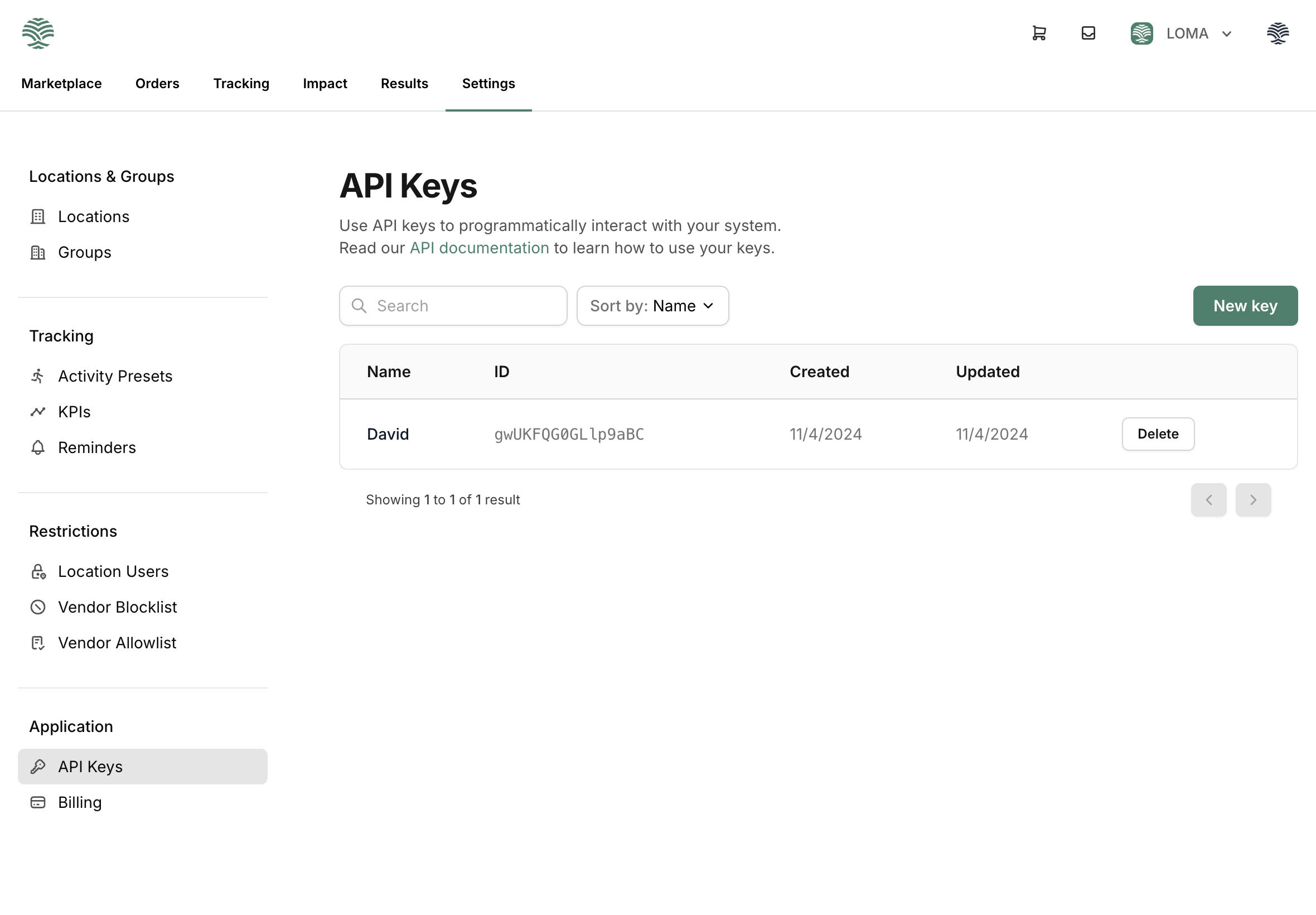
### Creating API Keys
Organization admins can create API keys by navigation to the "API Keys" section in the settings page.
 ## API Endpoints
Check out the available API endpoints, or you can view the OpenAPI specification file.
The base URL for all endpoints is [https://console.lomaplatform.com](https://console.lomaplatform.com)
Check out the API endpoints.
View the OpenAPI specification file.
## API Endpoints
Check out the available API endpoints, or you can view the OpenAPI specification file.
The base URL for all endpoints is [https://console.lomaplatform.com](https://console.lomaplatform.com)
Check out the API endpoints.
View the OpenAPI specification file.